Introduction
Do you want your basic pictures to evolve into Cinematic masterpieces, anime-inspired avatars, or influencer-grade visuals that dominate social media feeds?
With the rise of Meta AI, achieving this transformation is no longer complicated or restricted to professionals. Anyone can now convert everyday snapshots into visually stunning content that looks professionally crafted.
You can upgrade your standard images into:
Cinematic portraits with dramatic lighting
Aesthetic compositions with artistic tone
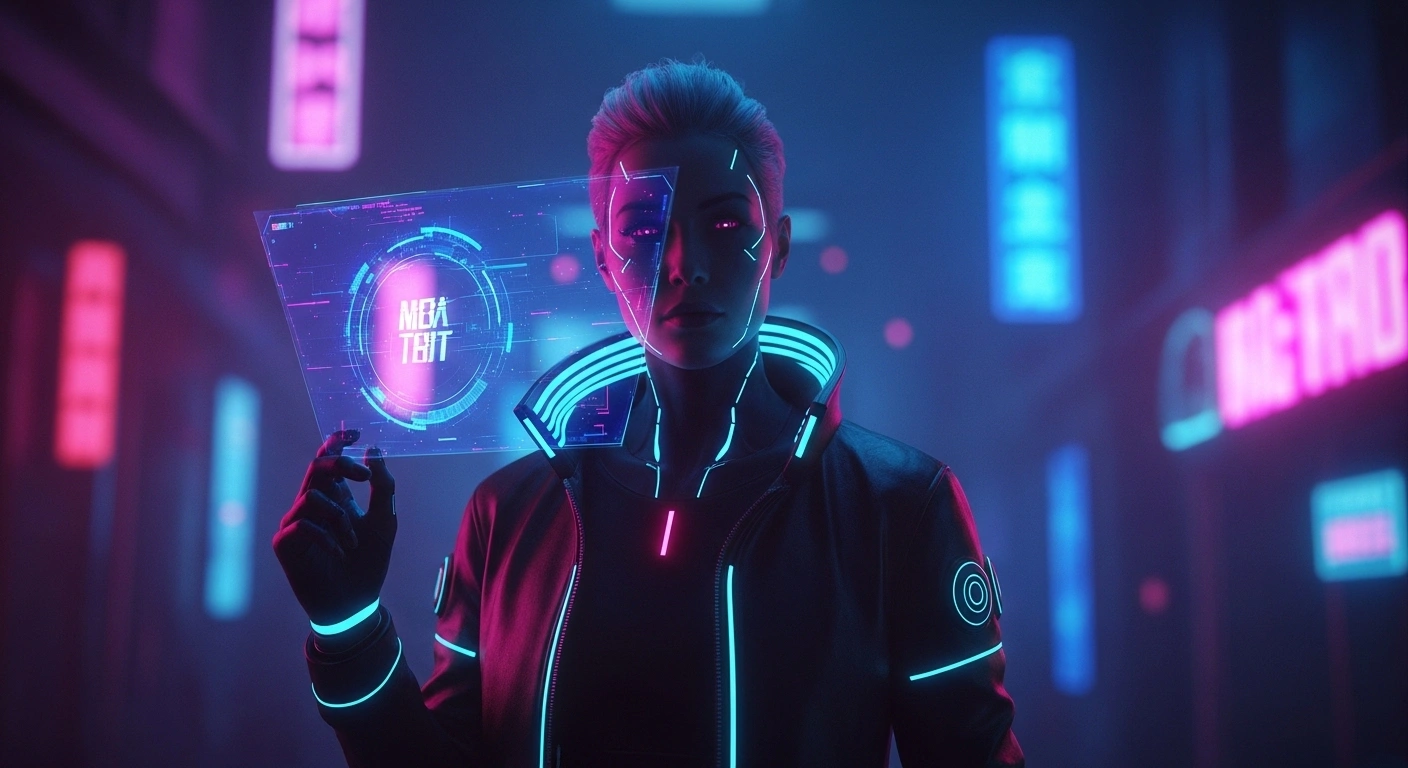
AI-generated avatars with futuristic styling
Viral social media visuals that capture attention
However, there is a crucial reality that most users overlook:
Your output quality depends largely on your prompt precision.
If your prompt lacks clarity, your results will appear dull and generic.
If your prompt is refined, descriptive, and structured, your image can become extraordinary—even viral.
This is the key distinction between:
Basic enhancements
Scroll-stopping, high-impact visuals
This Comprehensive guide will not only provide 50+ high-performing prompts but also teach you how to think like a professional prompt engineer so you can consistently generate elite-level results.
What Are Meta AI Photo Prompts?
Meta AI photo prompts are detailed instructions or directives that guide artificial intelligence in modifying, enhancing, or transforming your images.
These prompts instruct the system:
- What elements to adjust
- Which artistic style to apply
- What atmosphere or mood to create
- How the final composition should appear
Think of prompts as creative briefs given to a designer or photographer.
The more specific, structured, and descriptive your prompt is:
The higher the visual quality
The more realistic the outcome
The greater your creative control
Why Your Prompts Fail
Many beginners struggle because they rely on vague or overly simplistic prompts.
Weak Prompt Example:
“Make my photo look cool.”
Why It Fails:
- No defined subject enhancement
- No artistic direction
- No lighting or environment details
- No emotional tone or visual intent
As a result, the AI produces average or inconsistent outputs.
How to Fix It Instantly
Strong Prompt Example:
“Enhance my photo into a cinematic portrait with soft golden hour lighting, blurred background, luxury aesthetic, ultra-realistic skin texture, 4K resolution.”
Why This Works:
- Clear transformation goal
- Defined visual style
- Precise lighting conditions
- Emotional and aesthetic direction
Perfect Prompt Formula for Meta AI
To achieve consistent and high-quality results, follow this structured formula:
Example:
“Enhance my photo into a cinematic portrait, soft golden hour lighting, blurred background, luxury atmosphere, ultra-realistic, sharp focus, 4K resolution.”
Why This Formula Works
This framework activates multiple AI processing layers simultaneously:
Visual composition refinement
Lighting simulation accuracy
Texture rendering enhancement
Emotional tone creation
50+ Best Prompts for Meta AI for Your Own Photos
Below are categorized prompts designed for different creative goals.
Aesthetic Photo Prompts
- Make my photo soft aesthetic with pastel tones and dreamy ambiance
- Transform my image into a vintage film look with grain texture and muted colors
- Add warm golden hour illumination to my portrait
- Convert my photo into a Pinterest-style composition
- Apply soft glow with smooth skin refinement and natural lighting
- Create a minimalistic aesthetic with a neutral color palette
- Add subtle background blur with gentle highlights
- Enhance tones with smooth gradients and refined saturation
- Apply retro color grading with cinematic softness
- Make the image feel calm, peaceful, and visually harmonious
Instagram / Social Media Prompts
- Convert my photo into an influencer-style Instagram shot
- Add a luxury environment with a modern skyline background
- Make my image resemble a travel blogger’s post
- Increase vibrancy, contrast, and clarity
- Create a cinematic reel-style composition
- Add neon lighting for a trendy digital aesthetic
- Enhance depth with advanced background blur
- Transform my photo into a fashion magazine cover
- Apply dramatic shadows for bold visual impact
- Make my picture highly eye-catching and engaging
AI Transformation Prompts (Viral Content)
- Turn my photo into anime style with expressive features
- Convert my selfie into a cyberpunk character with neon lights
- Make me appear like a movie protagonist with cinematic lighting
- Transform my photo into a fantasy warrior with armor
- Convert my image into a Pixar-style character
- Turn my face into a futuristic AI avatar
- Transform into a medieval knight portrait
- Convert my image into a comic book superhero
- Turn my photo into a sci-fi explorer
- Create a magical fantasy version of my image
Professional / LinkedIn Photo Prompts
- Turn my photo into a professional headshot with studio lighting
- Add a clean background with a formal attire effect
- Create a corporate portrait with neutral tones
- Enhance sharpness and realistic skin details
- Generate a high-end executive profile image
- Add soft lighting with minimal shadow contrast
- Make the background subtle and distraction-free
- Improve facial clarity and symmetry
- Apply professional color grading
- Create a polished business portrait
Fun & Creative Prompts
- Turn my photo into a cartoon-style character
- Add a space background with an astronaut theme
- Make me look like a superhero
- Create a dramatic black-and-white portrait
- Add a rain effect with a cinematic mood
- Convert my photo into a painting-style artwork
- Create a surreal, dream-like composition
- Add glowing effects with fantasy lighting
- Turn my image into a vintage poster
- Apply artistic brushstroke textures
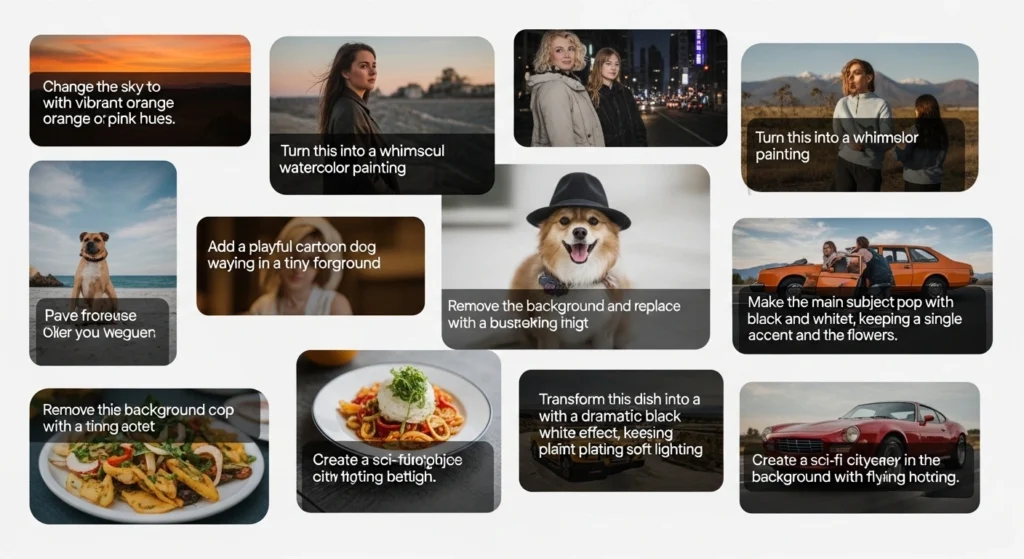
Before vs After Prompt Comparison
Weak Prompt:
“Edit my photo.”
Strong Prompt:
“Enhance my photo into a cinematic portrait with warm golden hour lighting, blurred background, sharp facial details, luxury aesthetic, ultra-realistic texture.”
Result Comparison
| Factor | Weak Prompt | Strong Prompt |
| Detail | Low | High |
| Style | Undefined | Clear |
| Lighting | Missing | Defined |
| Output Quality | Average | Professional |
The difference in output is significant and measurable.
How to Think Like a Prompt Engineer
To dominate AI image generation, you must shift your mindset and approach prompts strategically.
Prioritize Visual Precision
Always describe:
- Subject clarity
- Background environment
- Lighting conditions
- Emotional tone
Example:
Instead of:
“Make it better.”
Use:
“Enhance my portrait with soft lighting, blurred background, natural skin tones, and realistic shadows.”
Master Lighting Control
Lighting determines realism and depth.
Use advanced lighting descriptors:
- Golden hour glow
- Soft diffused light
- High contrast shadows
- Neon reflections
Define Style Explicitly
Style gives identity to your image.
Examples:
- Cinematic
- Anime
- Vintage
- Hyper-realistic
- Minimalist
Without style, your output lacks personality.
Add Texture and Micro-Details
Enhance realism with:
- Skin texture refinement
- Fabric detailing
- Depth of field
- High-resolution clarity
Use Iterative Refinement
Never rely on a single output.
Process:
- Initial prompt → Base image
- Second prompt → Style refinement
- Third prompt → Detail enhancement
This layered approach produces premium-level results.
Common Mistakes to Avoid
Avoid these frequent errors:
Generic prompts
Overloading multiple styles
Ignoring lighting dynamics
Lack of emotional depth
No refinement process
Optimized Semantic SEO Strategy
This article naturally integrates high-value semantic keywords such as:
- Enhance photos using AI
- AI image transformation prompts
- selfie editing prompts
- Meta AI image generation techniques
- aesthetic photo editing instructions
FAQs
A: The best prompts are detailed, structured, and include style, lighting, mood, and resolution.
A: Your prompts lack detail, lighting direction, and texture refinement.
A: When you use cinematic prompts, aesthetic styles, and high-detail instructions.
A: Use structured prompts, proper lighting descriptions, and iterative enhancements.
Conclusion
In today’s AI-driven creative landscape, the difference between an average image and a breathtaking visual Masterpiece comes down to one thing—how well you communicate with AI.
Meta AI is not just a tool; it’s a creative engine capable of producing cinematic, aesthetic, and highly engaging visuals. But its true potential is only unlocked when you provide clear, structured, and detailed prompts.
Throughout this guide, you’ve learned:
How prompts directly impact output quality
The exact formula professionals use for consistent results
50+ high-performing prompts across multiple styles
Advanced techniques to think like a prompt engineer
Common mistakes that destroy image quality.