Introduction
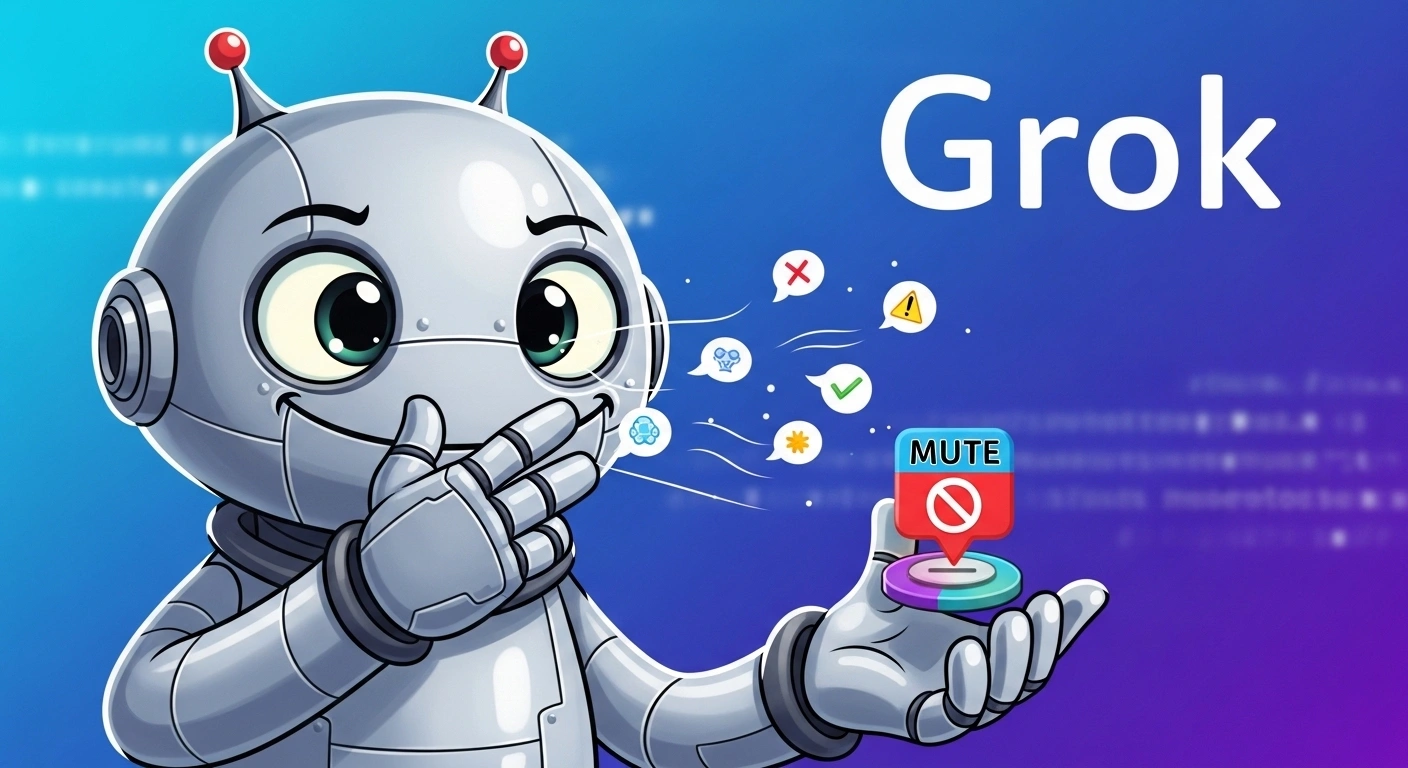
If you’ve ever worked with Grok and suddenly Encountered the message — “content moderated, try a different idea” — it can feel disruptive, confusing, and even discouraging.
You might be deeply engaged in a creative process—writing long-form content, designing visuals, brainstorming innovative ideas, or testing prompts—and suddenly everything halts.
That interruption breaks momentum.
And you’re definitely not alone.
Across global AI communities—from the United States to Europe and emerging digital markets—creators, marketers, developers, and entrepreneurs are all facing similar friction points:
- Productivity gets interrupted
- Creative momentum declines
- Outputs become unpredictable
- Iteration cycles slow down
However, here’s the reality that many articles fail to communicate accurately:
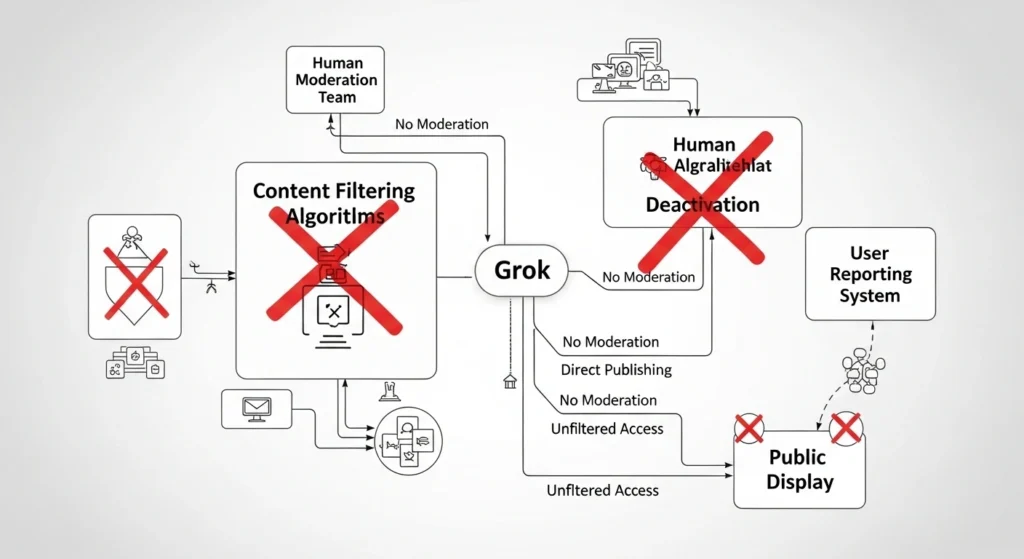
You cannot disable Grok moderation.
Attempting to bypass safeguards often reduces output quality and can risk account limitations.
Instead of resisting the system, the intelligent strategy is:
Understand it. Adapt to it. Optimize around it.
This guide takes a completely different approach.
You won’t find unsafe tricks, manipulative hacks, or misleading bypass claims.
Instead, you’ll learn:
- The real reason Grok moderates content
- How moderation systems operate internally
- 7 proven techniques to reduce moderation triggers safely
- Advanced prompt engineering frameworks used by professionals
- Workflow optimization strategies for consistent results
By the end, you’ll know how to generate reliable, high-quality outputs without frequent moderation interruptions.
Can You Turn Off Grok Moderation?
Short Answer: No
There is currently:
- No option to disable moderation
- No premium feature that removes filtering
- No geographic workaround that fully bypasses safeguards
Why It’s Impossible
Modern AI architectures are designed with mandatory safety frameworks embedded directly into their systems. These are not optional modules—they are core components of the infrastructure.
These systems include:
- Regulatory compliance mechanisms
- Content safety enforcement layers
- Abuse prevention algorithms
This means moderation is structurally integrated into the AI model.
Important Insight
Many websites claim:
- “Turn off Grok moderation instantly.”
- “Bypass AI filters easily.”
These claims are misleading, unreliable, and potentially harmful.
Trying such approaches can lead to:
- Degraded output quality
- Restricted usage
- Long-term account limitations
Why Grok Moderates Content
Understanding the underlying purpose of moderation gives you a strategic advantage.
Once you understand why moderation exists, you can naturally avoid triggering it.
Legal & Regulatory Compliance
AI platforms must comply with strict international regulations, such as:
- EU AI Act
- GDPR (General Data Protection Regulation)
- Digital Services Act
These regulations require platforms to prevent:
- Harmful or dangerous content
- Misleading or false information
- Explicit or unsafe material
Without moderation, platforms could face severe penalties and legal consequences.
Platform Trust & Brand Protection
AI companies must maintain user trust and protect their reputation.
They actively avoid:
- Harmful viral outputs
- Misuse of generated content
- Public controversies
Even a single problematic output can impact millions of users and damage credibility.
AI Safety Systems
Grok likely utilizes multiple-layered moderation mechanisms, including:
Keyword Detection Models
Scan for sensitive or high-risk terms instantly.
Contextual AI Classifiers
Interpret meaning, intent, and nuance—not just keywords.
Input Analysis
Evaluate text, images, and structured prompts.
Output Filtering
Perform final validation before displaying results.
This explains why moderation sometimes feels inconsistent—it is context-sensitive, not purely keyword-driven.
How Grok’s Moderation System Works
| Layer | Description | Impact |
| Keyword Filtering | Detects sensitive terms | Instant flagging |
| Context Analysis | Interprets intent | Smart blocking |
| Input Validation | Evaluates quality | Multi-layer filtering |
| Output Review | Final safety check | Blocks risky outputs |
Key Insight: Moderation evaluates meaning, intention, and structure—not just words.
Proven Ways to Reduce Grok Content Moderation
These strategies are reliable, professional, and widely used.
Rewrite Prompts Strategically
Instead of writing aggressive, vague, or poorly structured prompts:
Focus on:
- Neutral phrasing
- Clear intent
- Professional language
Example:
“Generate something controversial…”
“Create an educational explanation about a sensitive topic in a balanced and informative manner.”
This alone can significantly reduce moderation triggers.
Avoid Ambiguous or Sensitive Keywords
Certain terms are flagged depending on context.
Best Practice:
- Replace sensitive words with neutral alternatives
- Experiment with variations gradually
Prioritize clarity over restriction.
Use Context Framing
Always define:
- Purpose
- Audience
- Intent
Example:
“Create an image.”
“Create an educational visual explaining fashion photography lighting techniques for beginners.”
Context improves interpretation and reduces moderation risks.
Use Story-Based Prompting
Instead of issuing direct commands, describe a scenario.
Example:
“Imagine a professional studio where a photographer demonstrates lighting techniques to students…”
This approach is commonly used in creative workflows.
Optimize Input Quality (Text & Images)
Low-quality input increases moderation probability.
Avoid:
- Blurry images
- Unclear instructions
- Conflicting inputs
High-quality input produces cleaner outputs.
Use Step-by-Step Prompting
Break complex instructions into stages:
- Generate base content
- Refine structure
- Add detail
This reduces system overload and improves accuracy.
Use Multi-Tool Workflow Strategy
Professionals rarely rely on a single AI tool.
Instead:
- Use different tools for different tasks
- Refine outputs across platforms
This enhances flexibility and consistency.
Advanced Prompt Engineering
Indirect Instruction Design
Instead of forcing instructions:
Describe the desired outcome.
“Write exactly like this…”
“Create a professional blog-style explanation with a friendly tone.”
Layered Prompting
Structure prompts in layers:
- Base instruction
- Context
- Detailed specifications
This enhances clarity and reduces ambiguity.
Emotional & Creative Framing
Use descriptive terms like:
- Cinematic
- Editorial
- Documentary
- Professional
These guide AI toward more refined outputs.
What NOT to Do
Avoid these mistakes:
Trying to override system rules
Repeating flagged prompts repeatedly
Requesting restricted or harmful content
Risks:
- Account limitations
- Reduced output quality
- Temporary or permanent restrictions
Smart users collaborate with the system instead of opposing it.
Best Alternatives for Flexible
Workflows
If moderation interrupts your process:
| Tool Type | Strength |
| Open-source AI | Greater control |
| Creative AI tools | Better visuals |
| Specialized tools | Higher precision |
Professionals use hybrid ecosystems for better performance.
Europe-Specific Insight
Users in Europe often experience stricter moderation due to:
- Strong privacy laws
- Ethical AI regulations
- Legal compliance frameworks
This makes prompt optimization even more essential.
How to Use AI Tools Effectively
Simple Workflow
- Define your objective
- Write a clear prompt
- Add context
- Generate output
- Refine iteratively
Tips to Write Better AI Prompts
- Be precise, not complicated
- Use structured descriptions
- Avoid vague instructions
- Think like a designer
Pros & Cons
Pros
- Safer outputs
- Regulatory compliance
- Misuse prevention
Cons
- Creative limitations
- False positives
- Workflow interruptions
Quick Summary Table
| Strategy | Effectiveness | Safety |
| Prompt rewriting | High | Safe |
| Context framing | High | Safe |
| Step prompting | Medium | Safe |
| Multi-tool usage | High | Safe |
FAQs
A: Because it uses AI safety systems that analyze both keywords and context to prevent harmful or restricted outputs.
A: Moderation is built into the system and applies to all users.
A: Clear prompts
Neutral wording
Structured context
A: It can lead to account restrictions and violate policies.
A: Learn prompt engineering and use multi-tool workflows.
Suggested Internal Linking Topics
- Best AI Prompt Engineering Techniques (2026)
- Top AI Tools for Content Creation
- AI Image Generation Guide
- How AI Moderation Works
Conclusion
Grok moderation is not a flaw—it is a foundational component of modern AI systems.
While many users attempt to disable it, the reality is:
Success comes from understanding, not bypassing.
By applying:
- Smart prompt structuring
- Clear context framing
- Step-by-step workflows
- Multi-tool strategies
You can significantly reduce moderation issues while improving consistency, quality, and efficiency.