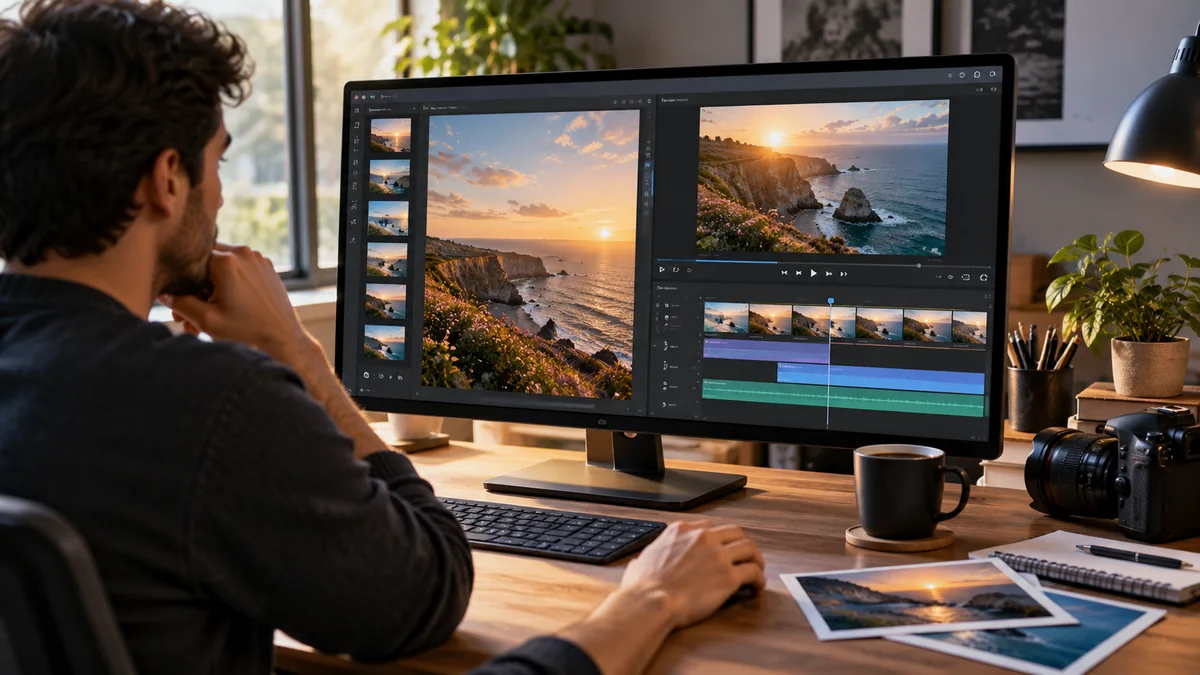
Plenty of tools generate images. A growing number generate video. Few do both properly, and those claiming to usually treat one as an afterthought.
That matters because the two are rarely separate jobs. A product shot becomes a clip. A character design becomes a scene. A thumbnail and the video behind it come from one idea.
The real question is which platform treats both as primary rather than bolting one onto the other. Here is how the options compare.
Why Most Tools Only Do One
The split is historical rather than technical. Image generation matured first, so the tools around it were designed before video was viable.
Video arrived later as its own category, built by different teams. The two grew up separately, which is why most platforms still carry the shape of whichever they started with.
The result is that bolt-on video usually means one model, limited controls, and no path from your existing images into motion.
The Three Approaches
Everyone producing both ends up in one of these.
The right approach also depends on how many creative tools you regularly use. If you’re exploring different models for image generation, video production, or everyday creative tasks, browsing a broader AI tools collection can help you understand which tools fit your workflow before committing to a platform.
Single-Model Specialists
One engine, one aesthetic, deep controls. Excellent if your output is narrow.
The limitation appears the moment your work varies. You cannot prompt a photographic model into flat vector illustration, and you cannot make an image model produce motion.
Two Subscriptions Stitched Together
The common setup, and the most expensive in practice.
- Two bills, often three once editing is counted
- Two interfaces and two prompt syntaxes to learn
- Exports between every stage, which is where time disappears
- No shared brand settings, so consistency drifts between tools
- Credits expiring separately on different billing cycles
Multi-Model Platforms
One account, several engines, both media types. The trade-off is less depth on any single model’s advanced parameters in exchange for breadth and a shared workspace.
ImagineArt is the clearest example of this approach, running around forty models across both images and video.
The Video Generator
Treated as a primary capability rather than an extension, which is the test most platforms fail.
ImagineArt AI video generator supports both directions. Text to video builds a clip from a description, while image to video animates a still you have, which is the route most production takes since it starts from something already approved.
- Runway, Veo, Kling, Seedance, Sora, and Gemini Omni Flash, selectable per job
- Camera direction, controlling movement and angle rather than accepting defaults
- Motion control, specifying what moves and what stays fixed
- Lip sync and voiceover for talking-head formats
- Video editing covering trims, transitions, and object removal
- Native vertical and square output rather than cropped widescreen
Clips run around ten seconds, so longer sequences are assembled from several generations rather than produced in one pass.
The Image Generator
The larger half, with more models and a fuller editing suite behind it.
Used ImagineArt AI image generator, it covers generation and post-processing in one workspace, which matters because most published images need editing rather than only generating.
- Nano Banana, Flux, Seedream, Recraft, Midjourney, and Ideogram
- Text to image and image to image
- Background removal, replacement, inpainting, and relight
- Face swap, object removal, and image combining
- Upscaling to 4K for anything going to print or full screen
Model choice matters most here. Ideogram handles legible text, Nano Banana leads on photorealism, Recraft suits design rather than photography, and no single engine covers all three well.
What Connects the Two
The connective features make a dual platform worth more than two separate ones.
- Brand kits storing colours, logo, and reference images between sessions
- Reference image support, which controls output better than longer prompts
- Studios for film, ads, fashion, and audio, each built around a job type
- Saved workflows that rerun a sequence once you find one that works
- iOS and Android apps, plus API and MCP access for automation
A still generated in one place animating in another without an export is the point. Everything else is incremental.
Where It Falls Short
No tool is free of trade-offs, and these are the real ones.
- New models often reach their own apps before any aggregator
- Some model-specific advanced parameters get simplified in a unified interface
- Credits reset monthly without rolling over, which penalises uneven usage
- No vector output, print layouts, or long-form timeline editing
- Forty models is genuinely disorienting before it becomes useful
If you only ever use one engine for one media type, a direct subscription is cheaper and probably better.
Conclusion
Few tools genuinely do both, and the ones worth considering are multi-model platforms rather than specialists that added a second capability late. ImagineArt qualifies because its video and image sides each carry a real model catalogue, real controls, and real editing, connected by brand and reference features that keep output consistent across both. Whether it beats your current setup depends on how varied your work is, and the free daily credits settle that faster than any comparison.
Frequently Asked Questions
Can one platform really handle both images and video well?
A few can, provided both were built as primary capabilities. Check whether the video side has more than one model and whether it accepts your own images as input, since those separate real support from a bolted-on feature.
Is a multi-model platform better than a single-model tool?
Only if your work varies. Breadth is worth paying for when different jobs need different engines. If your output is narrow, a specialist gives deeper controls for less money.
What is the difference between text to video and image to video?
Text to video builds a clip from a description, giving variety but less control. Image to video animates a still you have, preserving composition, and is the more common route in production.