Where administrative bottlenecks consume valuable team time
In many SMEs, administrative work does not look dramatic at first glance. It sits in inboxes, shared folders, PDF attachments, scanned forms, supplier emails, and approval chains. Yet this is exactly where hours disappear. Teams retype data, search for the latest version of a document, forward files for validation, and follow up on missing information. Over time, these small delays become a structural cost.
AI document automation helps make that hidden workload visible. Instead of treating administration as one large problem, we advise a process-by-process review. Which document flows create the most manual handling? Which steps depend on copy-paste work? Which approvals slow down revenue, procurement, or service delivery? At AdoptAI, this practical way of working fits our step-by-step implementation approach, where the goal is not a big transformation project but a fast, measurable improvement.
Typical bottlenecks include:
- Manual entry from invoices, forms, and contracts
- Repeated document checks across departments
- Slow approvals due to missing context or poor routing
- Errors caused by inconsistent file naming and storage
- Staff spending time on administration instead of customer or advisory work
Administrative pressure is rarely caused by one task. It is caused by the accumulation of repetitive tasks across the day.
For management teams, the value is clear: less friction, better throughput, and more time for work that actually adds value. That is where awareness starts. Once the real bottlenecks are mapped, adoption becomes much easier.

How AI document automation streamlines daily workflows
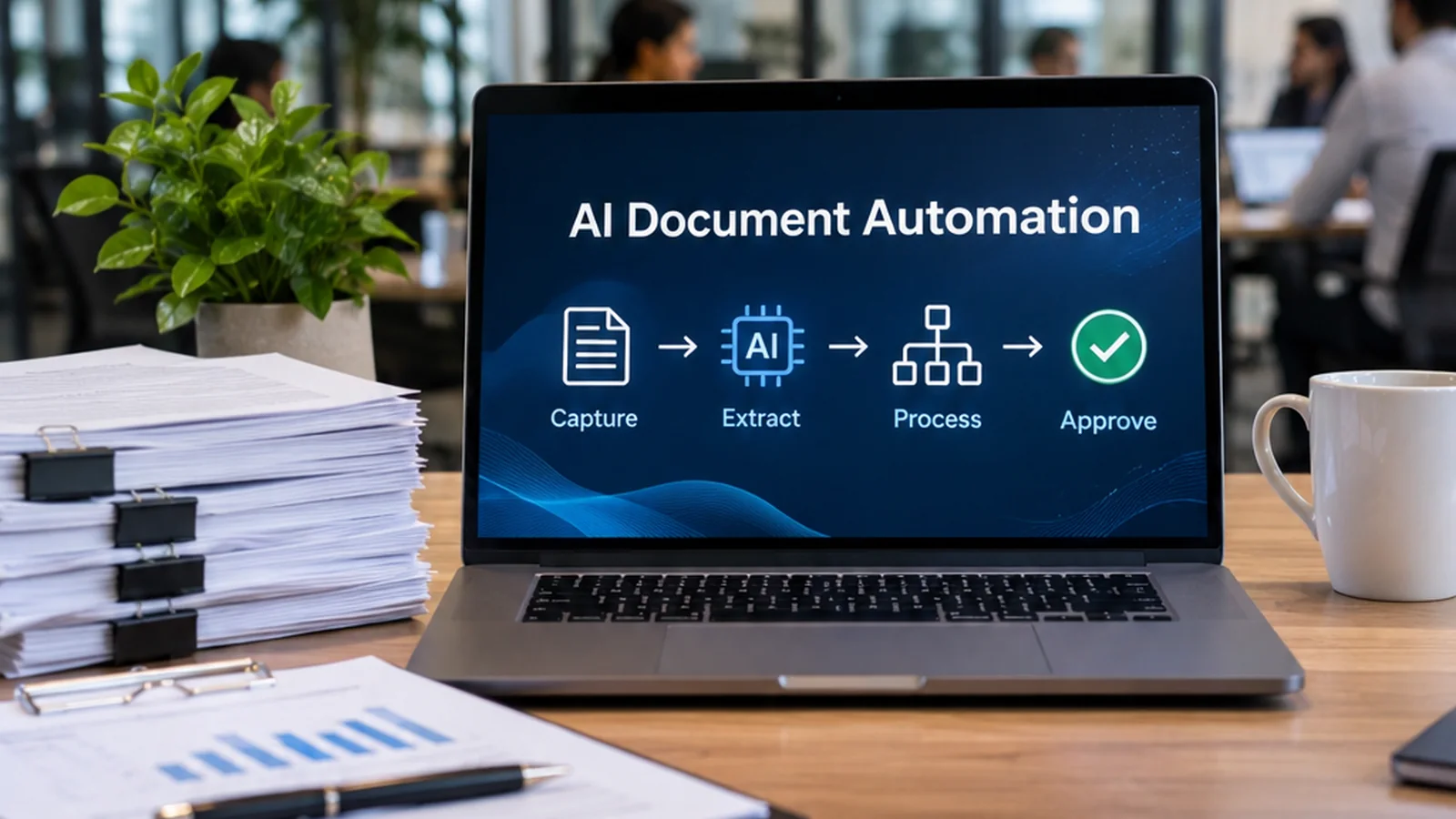
Once bottlenecks are clear, the next step is to redesign the workflow around real business needs. AI document automation improves daily operations by removing repetitive handling from document-heavy processes. Instead of manually opening files, extracting fields, renaming documents, and sending them to the next person, teams can let AI capture, structure, and route the information automatically.
This matters in finance, HR, operations, legal, and public services alike. A single incoming document can trigger several actions: data extraction, validation against a business rule, assignment to the right colleague, and storage in the correct system. With the right setup, that entire chain becomes shorter and more consistent. Our focus at AdoptAI is always practical: short implementation cycles, limited scope, and early ROI through quick wins. You can see how this works in our practical service model.
Common workflow improvements include:
- Automatically reading incoming PDFs and email attachments
- Assigning documents to the correct workflow or department
- Creating structured records for ERP, CRM, or case systems
- Flagging incomplete submissions before they create delays
- Keeping an audit trail for follow-up and compliance
In more document-intensive environments, tools and partnerships also matter. For example, LegalFly is highly relevant for legal teams that need faster review and handling of contracts or case-related documents, while Oniroco can support broader operational workflows where one central AI assistant speeds up repetitive internal work.
The best workflow automation is the kind your team feels within weeks, not the kind that stays in planning for months.
Automated document processing for faster data handling
Automated document processing is one of the most direct ways to reduce administrative work. The core idea is simple: instead of asking people to read documents line by line and manually enter information into business systems, AI extracts relevant data automatically and turns unstructured files into usable records.
This can apply to invoices, application forms, delivery notes, onboarding documents, claims, compliance files, or contract metadata. A well-designed setup recognizes document structure, identifies key fields, and prepares the data for validation or approval. That means less manual typing, faster throughput, and more predictable processing times.
For SMEs, the business value is not only speed. It is also the ability to handle growing volumes without adding the same amount of administrative overhead. That is why we position automated document processing as a practical adoption step with visible ROI. It supports the transition from awareness to adoption, then to ambition, where teams use AI not just to save time but to improve process quality at scale.
Typical gains come from:
- Shorter turnaround time for document intake
- Fewer interruptions caused by manual data entry
- Better consistency across teams and systems
- Improved reporting because data is captured in a structured way
Where process volumes are high and data patterns reveal repeated inefficiencies, Lowi can also be relevant as an advisory layer. It connects with existing systems, detects patterns, and suggests process improvements, while keeping human approval in place.
Fast data handling is not about removing people from the loop. It is about removing unnecessary handling from the process.
Reducing errors through intelligent document classification
Administrative errors often begin before data entry starts. A document is stored in the wrong folder, sent to the wrong team, or processed under the wrong category. From there, delays multiply. Intelligent document classification addresses this earlier stage by teaching AI to recognize what a document is, what process it belongs to, and what should happen next.
That sounds technical, but the practical result is straightforward. Incoming files can be sorted into the right workflow automatically: invoice, contract, order form, claim, identity document, compliance file, or internal request. Once classified correctly, each document follows the right path with the right controls. This reduces avoidable mistakes and improves consistency.
AI document automation becomes more reliable when classification is built in from the start. It also helps teams manage exceptions better. If a file is incomplete, unusual, or low confidence, the system can flag it for human review rather than forcing an unreliable automated decision. This is especially important in regulated or legal contexts, where traceability matters.
For legal professionals and in-house counsel, our partnership with LegalFly is relevant when classification needs to support contract review, clause handling, or compliance-related legal workflows. You can explore related use cases in these practical client examples.
- Fewer routing mistakes
- Lower risk of duplicate processing
- More consistent archiving and retrieval
- Better control over exceptions and escalations
Classification is often the quiet driver of quality. When documents start in the right place, the rest of the process becomes easier to trust.
AI invoice processing for quicker approvals and payments
Invoice handling is one of the clearest use cases for document automation because the pain points are easy to recognize. Suppliers send invoices in different formats, finance teams must extract key data, compare it with purchase information, route it for approval, and make sure payment deadlines are met. When done manually, this creates avoidable delays and unnecessary workload.
AI invoice processing shortens that cycle. AI can capture supplier details, invoice numbers, dates, amounts, VAT information, and line items. It can then route the invoice into the right approval flow, check for missing fields, and flag anomalies for review. The result is faster handling with fewer manual touchpoints.
This is where ROI often becomes visible quickly. Faster approvals support supplier relationships, reduce payment friction, and free finance staff for analysis and control work instead of repetitive administration. For SMEs especially, that matters because finance capacity is usually limited.
A practical rollout often starts small:
- Begin with one invoice type or one supplier group
- Define validation rules and exception thresholds
- Connect the process to existing finance or ERP systems
- Measure time saved, error reduction, and approval speed
For organisations exploring adjacent use cases after invoice automation, Oniroco can help centralise routine requests and knowledge access across departments, creating broader efficiency beyond finance. More examples of this phased approach are covered in our article on improving workflows with AI.
The strongest invoice automation projects do not start with everything at once. They start with one flow, prove value, and scale with confidence.

Building a practical roadmap for process automation
A successful automation project rarely starts with software. It starts with choosing the right process, the right scope, and the right success criteria. At AdoptAI, we recommend a practical roadmap that moves from awareness to adoption to ambition, with each phase linked to measurable business value.
First, identify one or two document-heavy processes where time loss is obvious and recurring. Then assess what data enters the process, where decisions are made, and which exceptions require human judgment. This creates the basis for a focused use case, whether that is AI document automation, automated document processing, or AI invoice processing.
A simple roadmap often looks like this:
- Map the current process and quantify manual effort
- Prioritise one use case with clear ROI potential
- Run a short pilot using real documents and clear KPIs
- Train the team and define ownership
- Review performance and expand process by process
This approach reduces risk and improves adoption because teams see results early. It also avoids the common mistake of trying to redesign the whole organisation at once. In sectors with legal, compliance, or public-service requirements, this phased method is especially important. If you want a broader view on how SMEs can begin, our article on scalable AI support for SMEs provides useful context.
Process automation works best when it is grounded in one real workflow, one business owner, and one measurable outcome at a time.
The goal is not automation for its own sake. The goal is shorter processing time, fewer errors, better control, and a result your team can feel quickly.